The Vibe Coder Mindset
The mental shift from writing code to describing intent
Vibe Coding isn't just switching to a new tool — it requires a different way of thinking.
Many people are disappointed the first time they use AI to write code — "Why doesn't it understand what I want?" Most of the time, the problem isn't AI, it's how you communicate with it.
You're the Director, Not the Actor
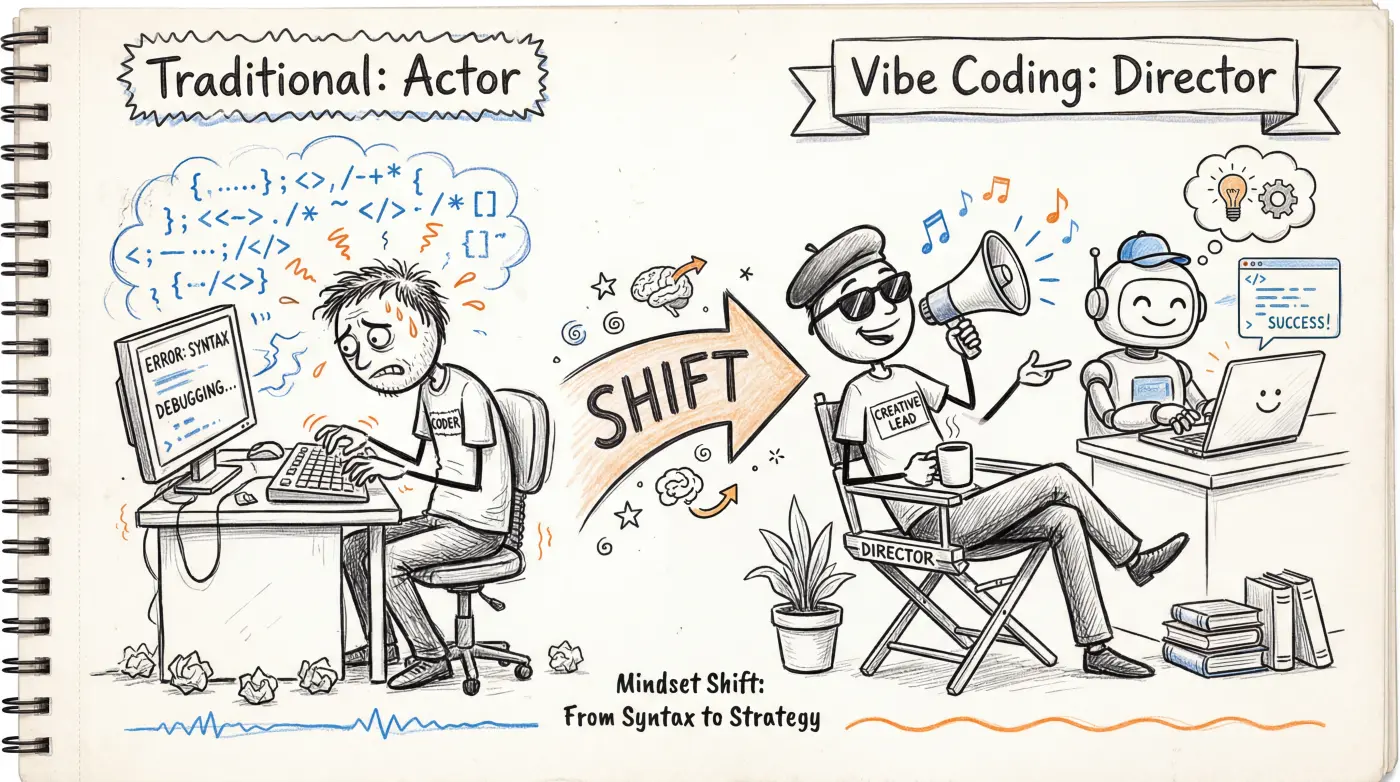
In traditional programming, you're the actor — personally writing every line of code. In Vibe Coding, your role changes: you're the director.
A director doesn't need to know how to act, but needs to:
- Know clearly what effect they want
- Communicate ideas precisely to the actors (AI)
- Give specific feedback after watching the "performance"
This means your most important skill isn't writing code, but describing — turning the fuzzy ideas in your head into clear instructions AI can understand.
Small Steps, Not Giant Leaps
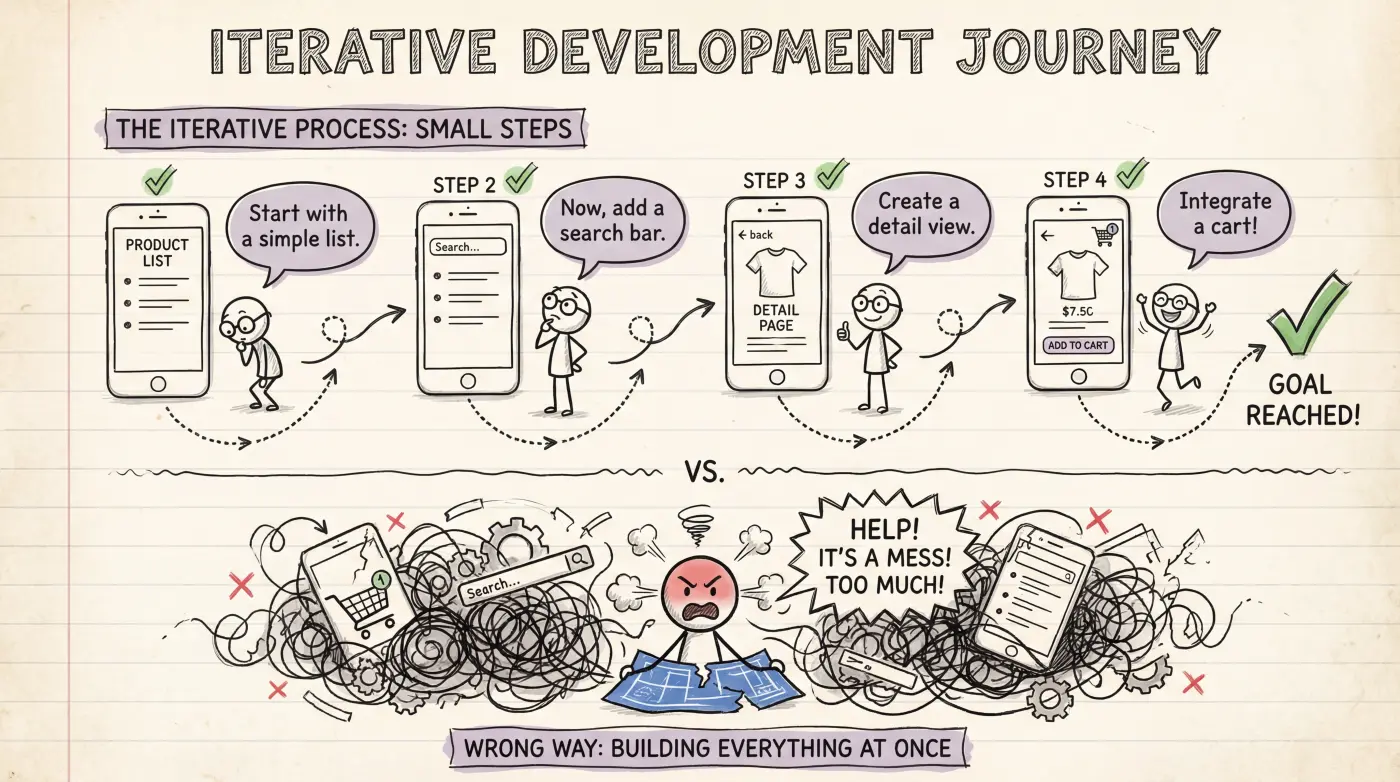
The most common beginner mistake is describing an entire application at once:
"Build me an e-commerce site with user registration, product listings, shopping cart, payments, order management, admin panel..."
AI might give you something, but it probably won't be what you want.
A better approach is to break it into small steps, verifying each one:
Step 1: Build a product listing page showing 6 sample products with images, names, and prices
Step 2: Add a search box that filters products by name
Step 3: Click a product to go to a detail page
Step 4: Add shopping cart functionality
...
Each step can be run, results can be seen, and you can confirm the direction is right before continuing. This is far more efficient than generating a big project all at once and spending hours fixing bugs.
Verification Is Your Job
AI-generated code might:
- Look correct but have logic bugs
- Work fine but have security vulnerabilities
- Run now but crash with different inputs
"It runs" doesn't mean "it's fine." Build the habit: every time AI generates code, actually run it, click around, try it out, test with various inputs.
You don't need to read the code to verify — just use it like a user would and check if the behavior matches expectations.
Stuck? Try a Different Angle
When AI keeps giving wrong results, don't repeat the same request. Try a different way of describing it:
| Not Great | Better |
|---|---|
| "This button is wrong, fix it" | "After clicking 'Submit', a success message should appear, but nothing happens" |
| "The styling looks bad" | "Make the title font larger, add spacing between cards, use rounded borders" |
| "Add a login feature" | "Add a login page: one email input, one password input, one login button. After clicking login, redirect to the homepage" |
The pattern: the more specific you are, the more accurate AI gets. Describe what you see, what you expect to see, and where the gap is.
Embrace "Good Enough"
Vibe Coding output won't be perfect code. It might be redundant, inelegant, or make professional developers cringe.
That's okay.
For personal projects, prototypes, and MVPs, working > perfect. You can decide whether to invest time (or hire a professional developer) to optimize after you've validated the idea.
Perfectionism is Vibe Coding's biggest enemy. Get it running first, then make it better.
Five Practical Habits
- Change one thing at a time — Makes it easy to pinpoint issues, and AI understands your intent better
- Save working versions — Before AI makes big changes, make sure the current working version is saved
- Give AI the complete error message — Don't interpret it yourself, just copy-paste the full error
- Use screenshots to supplement descriptions — Many tools support image input; "the spacing here is too large" with a screenshot is much clearer than text alone
- Start fresh conversations when needed — Long conversations cause AI to "forget"; when facing directional issues, start a new conversation
What's Next
Congratulations, you've completed the entire "Introduction" section. Time to get hands-on:
- How Apps Work — Basic technical concepts before you start building
- Terminal Basics — Learn to use the command line, the gateway to code assistant tools